





Spotify Can Now Keep Kids’ Music Out of Your Wrapped—Here’s How It Works
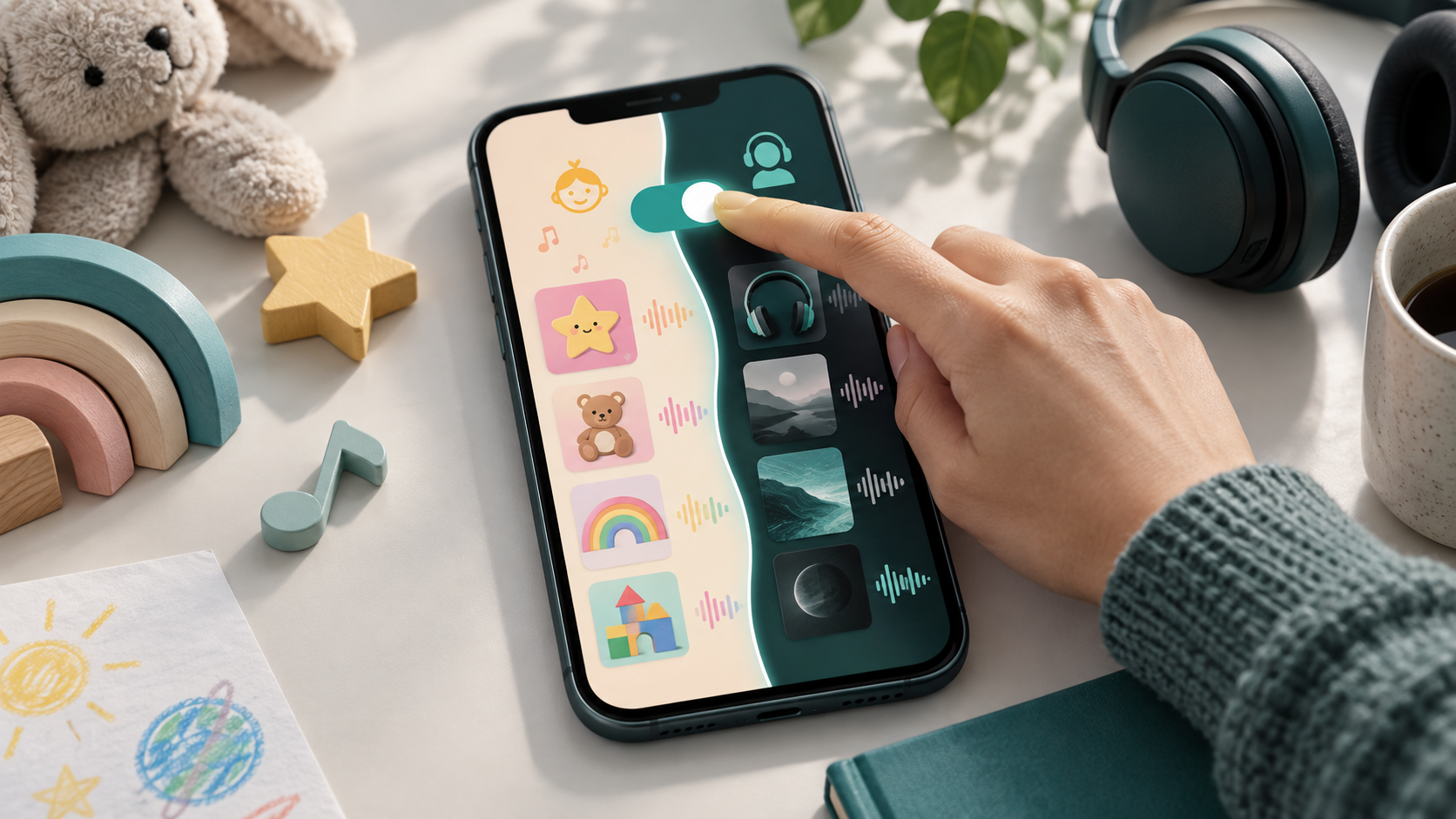
TECHNOLOGY | PRACTICAL GUIDE
A new global Spotify control lets parents keep children’s songs from reshaping Discover Weekly, Daily Mix and the year-end Wrapped recap—without blocking those songs from playing.
Parents who share their phone, smart speaker or car stereo with children have long faced a small but persistent problem: a few weeks of nursery rhymes and animated-movie soundtracks can transform a carefully trained music profile. Spotify is now rolling out a global setting designed to separate that family listening from the signals behind personalized recommendations.
The new Kids & Family control is available in the Spotify mobile app for both Free and Premium listeners, according to reports published September 15. When the setting is switched off, past and future streams that Spotify classifies as kids and family music have less influence on the account holder’s taste profile. The music remains available to search, play, save and add to playlists.
Why the toggle matters
Spotify’s recommendations learn from listening behavior. Repeated plays can influence personalized surfaces such as Discover Weekly and Daily Mix, while annual summaries use listening data to describe the songs, artists and styles associated with an account. That system works best when the listener and the profile represent the same person.
Family life often breaks that assumption. A parent may play the same bedtime playlist nightly, hand a tablet to a child or stream children’s songs during every school run. The result can be recommendations that reflect the household’s shared routine more than the account holder’s own taste. Public discussion around Wrapped shows that this is more than a theoretical annoyance: parents regularly trade tips for keeping children’s music out of their recaps.
How to change the setting
Open Spotify’s mobile app and go to Settings and privacy. Look for the area that controls your taste profile or personalization, then find the Kids & Family option. Spotify reportedly enables the influence by default, so listeners who want separation must switch it off.
- Update Spotify through the phone’s app store.
- Open the mobile app and enter Settings and privacy.
- Find the Kids & Family taste-profile control.
- Turn off the option that lets kids and family music shape recommendations.
- Allow up to 48 hours for personalized surfaces to reflect the change.
Because this is a staged global rollout, the switch may not appear on every phone at the same moment. App version, account region and server-side availability can affect when it arrives. Reinstalling the app is unlikely to force a feature that has not yet reached an account.
How it differs from excluding one playlist
Spotify already allows listeners to exclude an individual track or playlist from their taste profile. That tool remains useful for sleep sounds, workout playlists, party music or any other listening that does not represent a person’s usual preferences. The new control is broader: it is meant to handle an entire category of family listening with one switch and is reported to work retroactively.
Spotify’s support documentation says excluded tracks and playlists have less impact on recommendations and taste summaries. Streams from excluded items generally do not appear in Wrapped data points other than total listening time. If the same song is played outside an excluded playlist, however, that separate play can still affect the profile.
Another option: a managed account
Families that want fuller separation can create a managed account for a young listener where available. Spotify expanded those accounts to more users in 2026, giving children their own playlists, recommendations and Wrapped experience while allowing an adult to manage features such as explicit-content controls.
The choice depends on the household. A managed account makes sense when a child listens independently. The new toggle is simpler for shared car rides, speakers and occasional playback on a parent’s account. Neither option requires parents to stop playing the music their children enjoy.
The practical gain is control over the algorithm: family listening can remain shared while personal recommendations stay personal.
Sources
Reporting note: Feature availability can vary during a staged rollout. The featured image is an original editorial illustration created for ONELROR, not a Spotify interface screenshot.