





Pixel Scam Warnings Reach More Chats: What the September Update Changes
Technology · Reviews & Guides · News & Trending
Google’s September Pixel update puts warnings closer to suspicious chats. Here is what the alerts mean, where to check the setting, and why a warning is only one layer of protection.
By OnelROR Editorial Team · September 17, 2026 · 3 min read
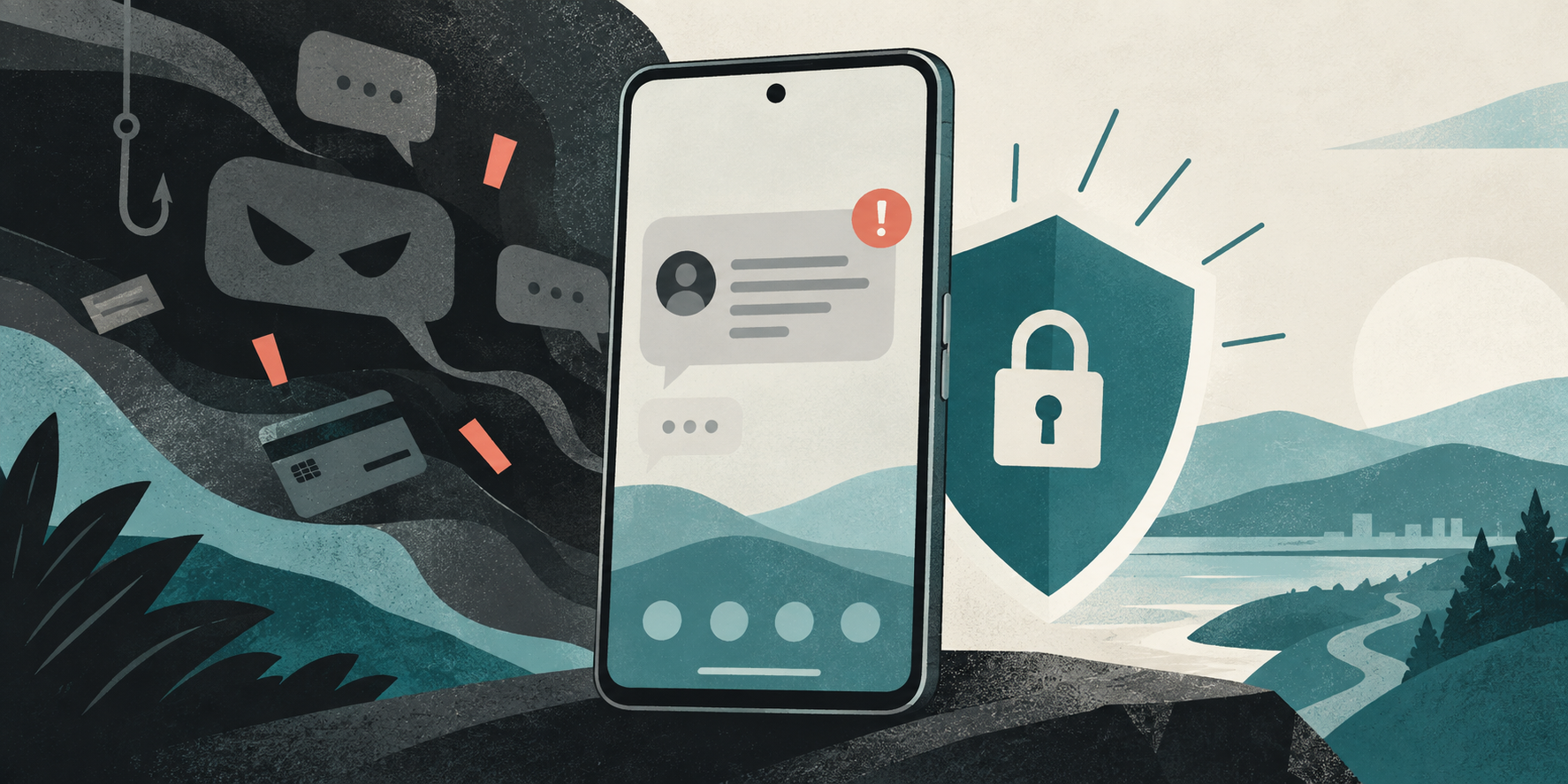
The featured image is an original editorial illustration, not a screenshot of Google’s interface.
Google announced new inline Gboard scam warnings in the United States and expanded chat-notification Scam Detection in additional regions as part of its September 15 Pixel Drop. Eligibility depends on region, language, device, and supported apps. The feature cannot identify every scam.
What changed in September
Google’s September Pixel Drop announcement highlights warnings that can appear while using Gboard in the United States, along with a wider regional rollout of Scam Detection for chat-app notifications. These are message-related alerts, distinct from the Phone app’s call Scam Detection and from Google Messages’ spam folder. Google’s help page says the phone analyzes new notifications from supported chat apps for suspicious patterns; in select U.S. apps, a warning may also appear near the keyboard.
The announcement does not say that every Pixel owner or every chat app gets the same experience on the same day. A gradual rollout and eligibility rules mean the absence of a warning is not evidence that a message is safe.
How to review an alert
According to Google’s Pixel help instructions, a suspicious notification can show a red warning icon and a Likely scam button when expanded. In the U.S., that button may appear under the message in the notification panel, in the keyboard, or both. Tap it to see an explanation and the available choices. You can dismiss the notice, mark the message as a scam, or mark it as Not a scam. Google cautions that the latter choice turns detection off for that conversation for a while.
If someone unexpectedly asks for a code, payment, or personal information, pause before responding. Open the relevant service through a known app or address and contact the person or organization through a channel you already trust. Do not use the link or phone number supplied in a questionable message as your only verification path.
Where the setting lives
On an eligible Pixel, open Settings → Security & privacy → More security & privacy → Scam Detection, then review the Message scams switch. Google says chat-message detection is on by default. If the option is missing, check your software updates and Google’s current eligibility list rather than assuming every Pixel model, language, or country is supported.
Google’s help page currently lists Australia, Canada, France, Germany, India, Japan, Mexico, Singapore, Spain, the United Kingdom, and the United States for Scam Detection, with supported languages listed separately. The inline keyboard experience is described specifically for U.S. users in select apps; the broader regional list should not be read as a promise of Gboard alerts everywhere.
What happens to message content?
Google says this detection runs in a secure, isolated environment and that message content is not sent to Google unless the user chooses to share a flagged message to improve the feature. That sharing choice is separate from simply receiving an alert. Review the on-screen option before sending any message content. The feature can make a suspicious request easier to notice, but Google explicitly warns that it may miss scams.
The practical takeaway is to use the warning as a prompt to verify, not as a verdict about every message. The most valuable habit remains independent confirmation before sharing a code, opening a link, or sending money.