


Amazon Fire TV Stick 4K (2023): Features, Setup and Buying Advice
Technology · Reviews & Guides
Amazon Fire TV Stick 4K (2023): Features, Setup and Buying Advice
This guide covers the second-generation Fire TV Stick 4K released in 2023. Check the model year, your television’s capabilities and the services you use before deciding whether it fits your setup.
OnelROR Editorial Team · Originally published September 9, 2026 · Updated October 18, 2026 · Miami (America/New_York) · 3 min read
This guide is based on Amazon’s published specifications and support information. It does not include hands-on testing.
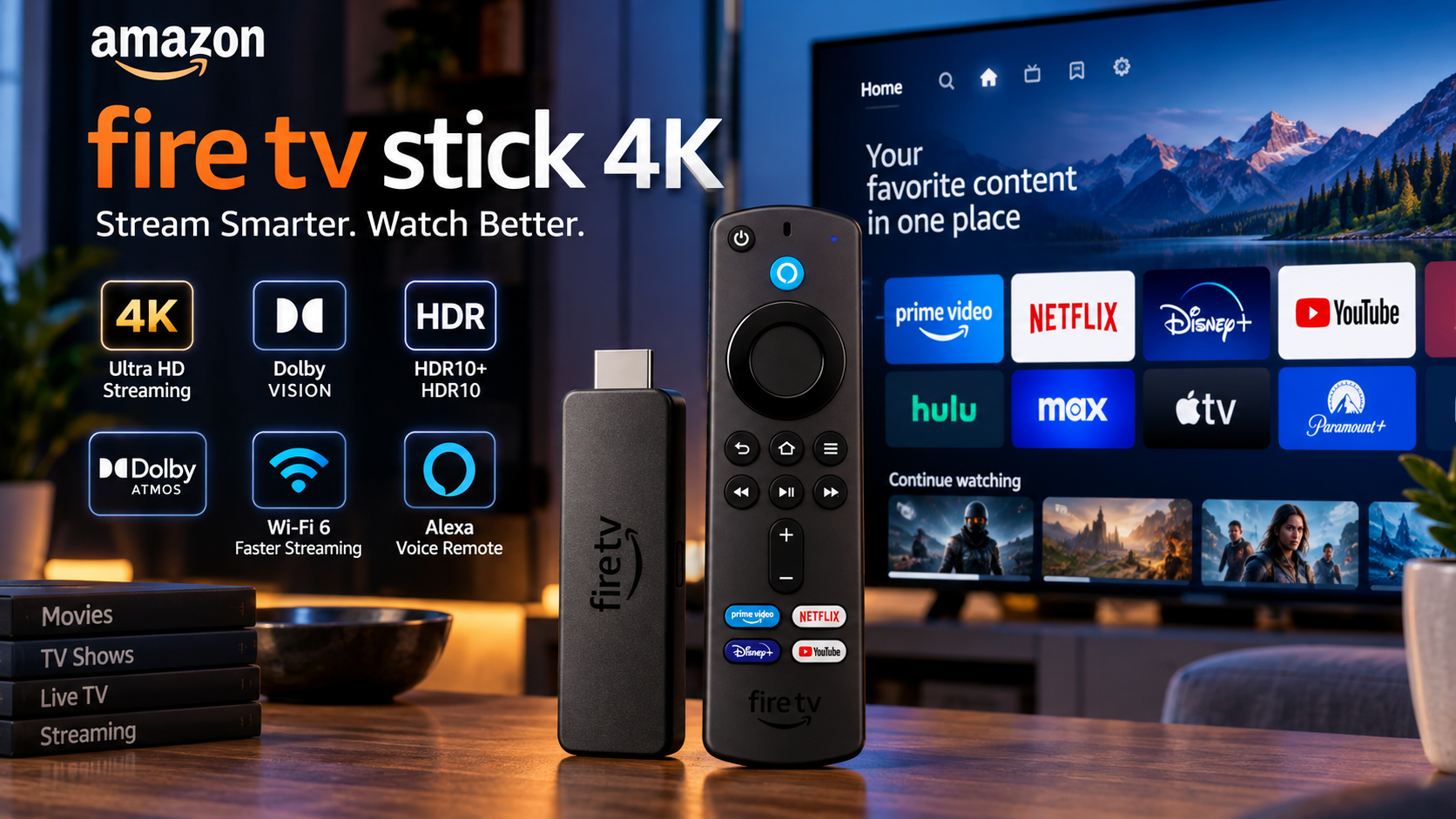
AI-generated editorial cover retained from the original article. Its stylized device, interface and service logos are not an official product photograph or a verified current app-availability chart.
Which Fire TV Stick does this guide cover?
This article covers the Amazon Fire TV Stick 4K, second generation, released in 2023. It connects to a television’s HDMI port and provides a separate streaming interface, which may be useful if your TV’s built-in apps no longer meet your needs.
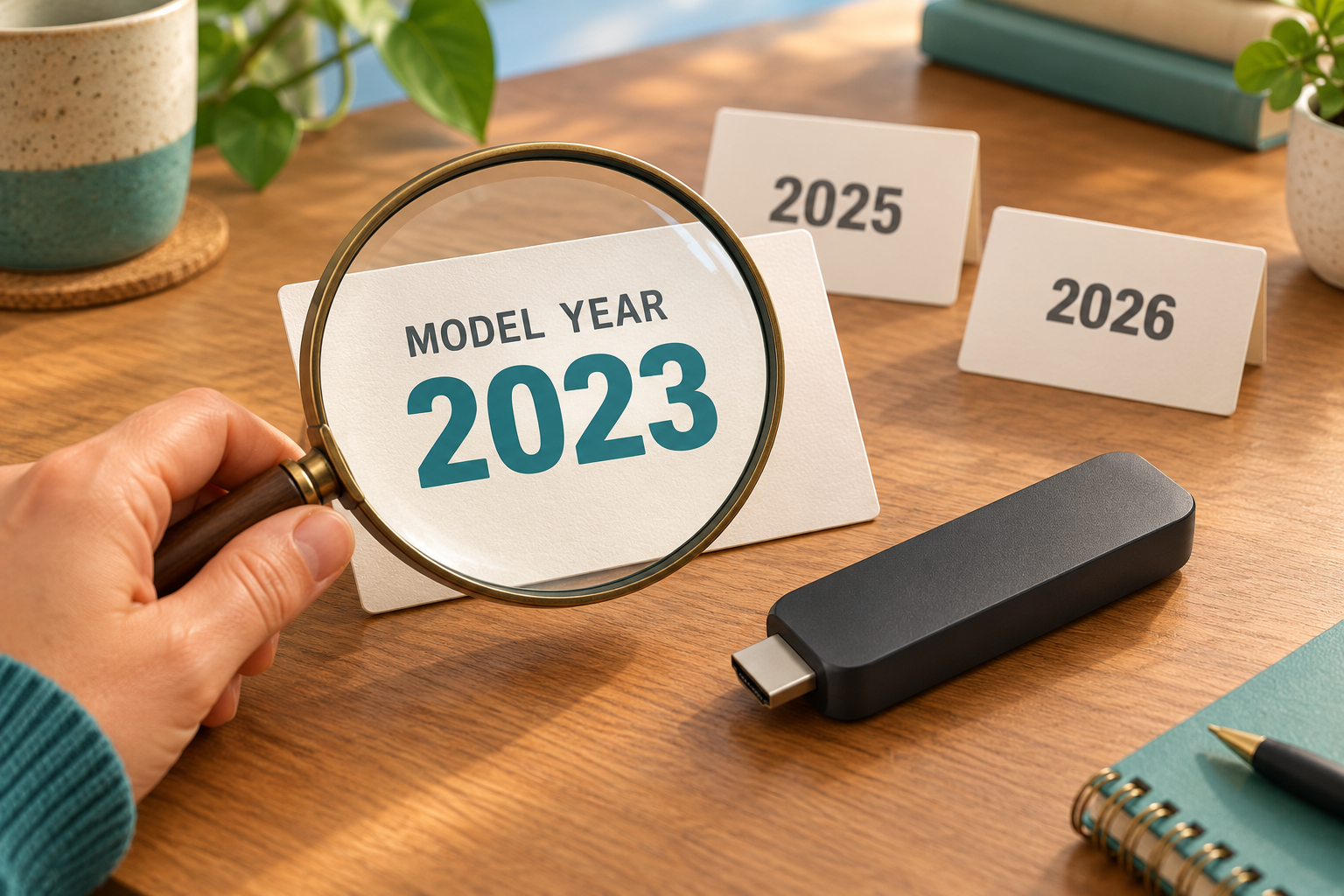
Check the model year carefully. Amazon’s documentation separately lists the Fire TV Stick 4K Plus, 4K Select and 4K Max. Amazon also introduced a distinct third-generation Fire TV Stick 4K on September 30, 2026. Specifications and power instructions for the 2023 model should not be assumed to apply to every device with a similar name.
Key features of the 2023 model
- Up to 4K Ultra HD playback at 60 frames per second
- Dolby Vision, HDR10, HDR10+ and HLG support
- Dolby Atmos support with compatible content and equipment
- Dual-band Wi-Fi 6
- 8 GB internal storage and 2 GB RAM
- Alexa Voice Remote with controls for compatible TVs and audio equipment
The remote lets you use its voice button to search and issue compatible Alexa commands. Its TV power and volume controls depend on equipment compatibility.
Treat these as supported capabilities. They do not guarantee a particular app’s output quality, faster broadband or buffer-free playback on your home network. The stated 8 GB is nominal storage, not 8 GB of free app space.
What you need for 4K, HDR and Atmos
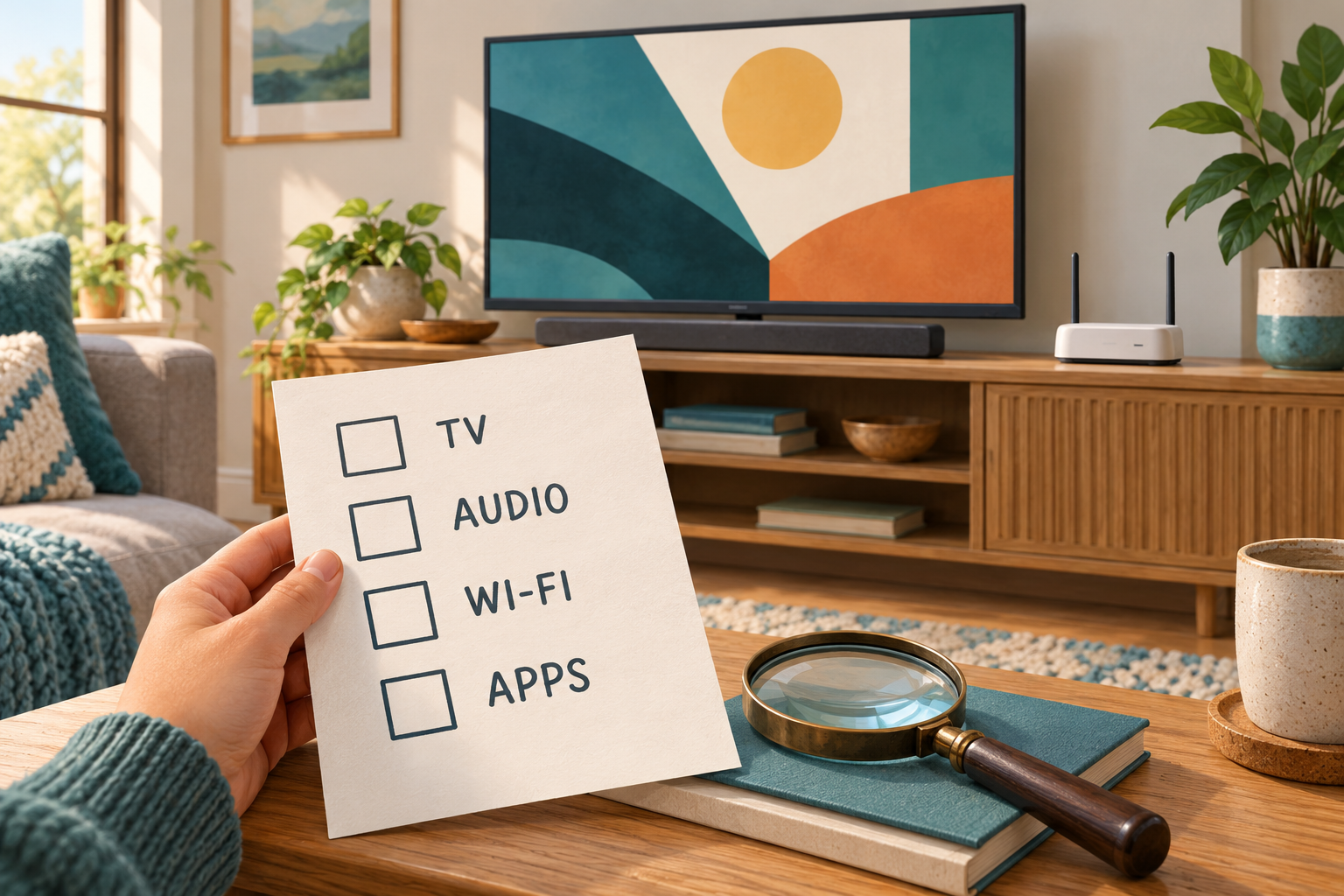
An HDMI connection alone does not guarantee 4K playback. Amazon specifies an Ultra HD television with an HDCP 2.2-compatible HDMI input. Any receiver or soundbar in the video connection must also support HDCP 2.2. Check your TV’s manual if its HDMI ports have different capabilities.
Amazon recommends an internet connection of at least 15 Mbps for 4K, although individual streaming services may recommend more. HDR and Dolby Atmos also depend on the programme, app or subscription tier, and compatible display and audio equipment.
Buying the stick does not include access to every paid streaming service. Check the apps available for your country and exact device, plus any subscription charges, before choosing it.
Set up the second-generation model
- Insert the batteries into the Alexa Voice Remote. Connect the supplied USB power cable to the stick and its included power adapter.
- Plug the stick into an available HDMI port. Use the HDMI extender if access is tight.
- Plug the power adapter into a wall outlet. Amazon advises against connecting this model’s USB power cable directly to the TV.
- Turn on the television and select the matching HDMI input with your TV remote.
- Follow the on-screen instructions to connect to Wi-Fi, sign in to your Amazon account and set up equipment control. Then download the apps you want to use.
Is it worth considering?
It may be a practical option if your television still works well but you need a different streaming interface. First check that it supports your essential services and the picture and sound formats your equipment can use.
Before buying, compare the exact model, condition, seller and total price with suitable alternatives. A listing for the 4K Select or a newer 4K stick is not a listing for this 2023 model. This guide does not establish a current price or stock offer.
Correction, October 18, 2026: an earlier version used an unqualified “current” label and linked to a different device, the Fire TV Stick 4K Select. Those purchase links have been removed.
Sources and editorial basis
- Amazon device specifications: see Fire TV Stick 4K, 2nd Gen (2023) (undated living documentation; checked October 18, 2026).
- Amazon’s September 20, 2023 Fire TV announcement (2023-09-20; checked October 18, 2026).
- Amazon: How to set up Fire TV Stick (undated living documentation; checked October 18, 2026).
- Amazon: Watch video in 4K Ultra HD on Fire TV (undated living documentation; checked October 18, 2026).
- Amazon’s September 30, 2026 Fire TV Stick 4K announcement (2026-09-30; checked October 18, 2026).
Model-specific specifications, setup and compatibility requirements were checked against Amazon’s primary documentation. The original cover was preserved after the owner confirmed AI origin. The two additional images are original AI illustrations. The affiliate link above is explicitly labelled as a Fire TV Stick 4K Plus alternative, separate from the 2023 model covered in this guide.