


Logitech Signature M650: A Quiet Everyday Mouse, If the Fit Is Right

Amazon Recommendations · Everyday Technology
Logitech Signature M650: A Quiet Everyday Mouse, If the Fit Is Right
The Logitech Signature M650 is worth considering if you want an uncomplicated wireless mouse for documents, browsing and everyday work. Its main attractions are quieter clicks, flexible connectivity and a scroll wheel that adapts to how quickly you turn it. This recommendation is based on manufacturer documentation, not hands-on testing.
OnelROR Editorial Team · October 18, 2026 · Miami (America/New_York) · 3 min read
Featured photograph: illustrative workspace; the Logitech Signature M650 is not pictured. Photo: Free-Photos from Pixabay / Wikimedia Commons, CC0 1.0 Universal. Original uploaded unchanged; WordPress creates resized display copies. No endorsement implied.
Choose the size before the color
The recommendation here concerns the standard consumer Signature M650 for small-to-medium right-handed use. The linked Amazon selection is Small-Medium, right-handed, Black. Check those selections before ordering; M650 L and M650 L Left are different variants.
Fit matters because the M650 family includes different versions. Logitech recommends the regular M650 for small-to-medium hands, the M650 L for larger hands and the M650 L Left for left-handed users. The contoured shell has a soft thumb area and rubber side grips, but the appropriate size is still an individual choice.
A useful wheel for everyday work
SmartWheel offers line-by-line scrolling when turned slowly and faster scrolling with a quicker flick. That makes it a practical feature for switching between careful reading and moving through lengthy pages.
There is also horizontal scrolling, although not through a separate thumb wheel. Logitech’s setup guide explains that you hold a side button while turning the wheel. The same guide documents customizable back and forward buttons, including application-specific shortcuts.
Two connection options
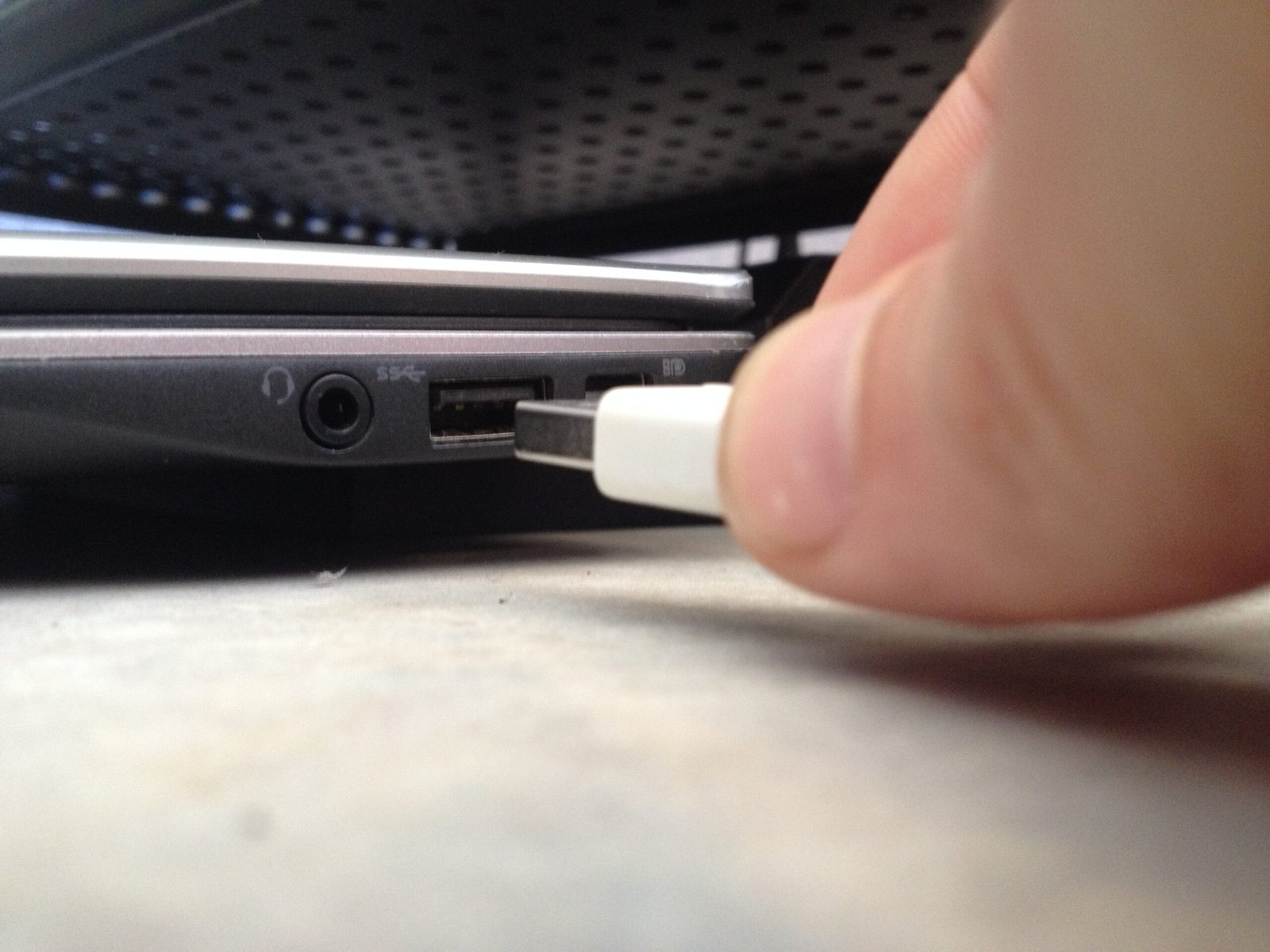
The M650 connects through Bluetooth Low Energy or the included Logi Bolt USB receiver. Logitech lists support for Windows, macOS, Linux, ChromeOS, iPadOS and Android. The receiver needs a USB-A connection; on a USB-C-only computer, check whether you can use Bluetooth or need a suitable adapter. Basic compatibility should not be confused with identical software features across every platform: Logitech’s specifications identify Logi Options+ customization software for Windows and macOS.
Quieter clicks, replaceable battery
According to Logitech’s product announcement, SilentTouch reduces click noise by 90% compared with the Logitech M185. That is a specific manufacturer comparison, not a claim that every operation is silent.
Power comes from one replaceable AA alkaline battery, included in the box. Logitech’s specification lists up to 24 months with the Logi Bolt receiver and up to 20 months over Bluetooth. Treat these as advertised maxima rather than guaranteed replacement intervals. This is a better match for someone comfortable replacing a battery occasionally than someone specifically seeking built-in charging.

The bottom line
The M650 looks like a sensible everyday option if the size suits your hand and you value quieter clicks, straightforward controls and a choice of wireless connections. Before buying, verify the exact consumer variant, current seller, price and return conditions rather than assuming every M650 listing is interchangeable.