


Roku Streaming Stick HD
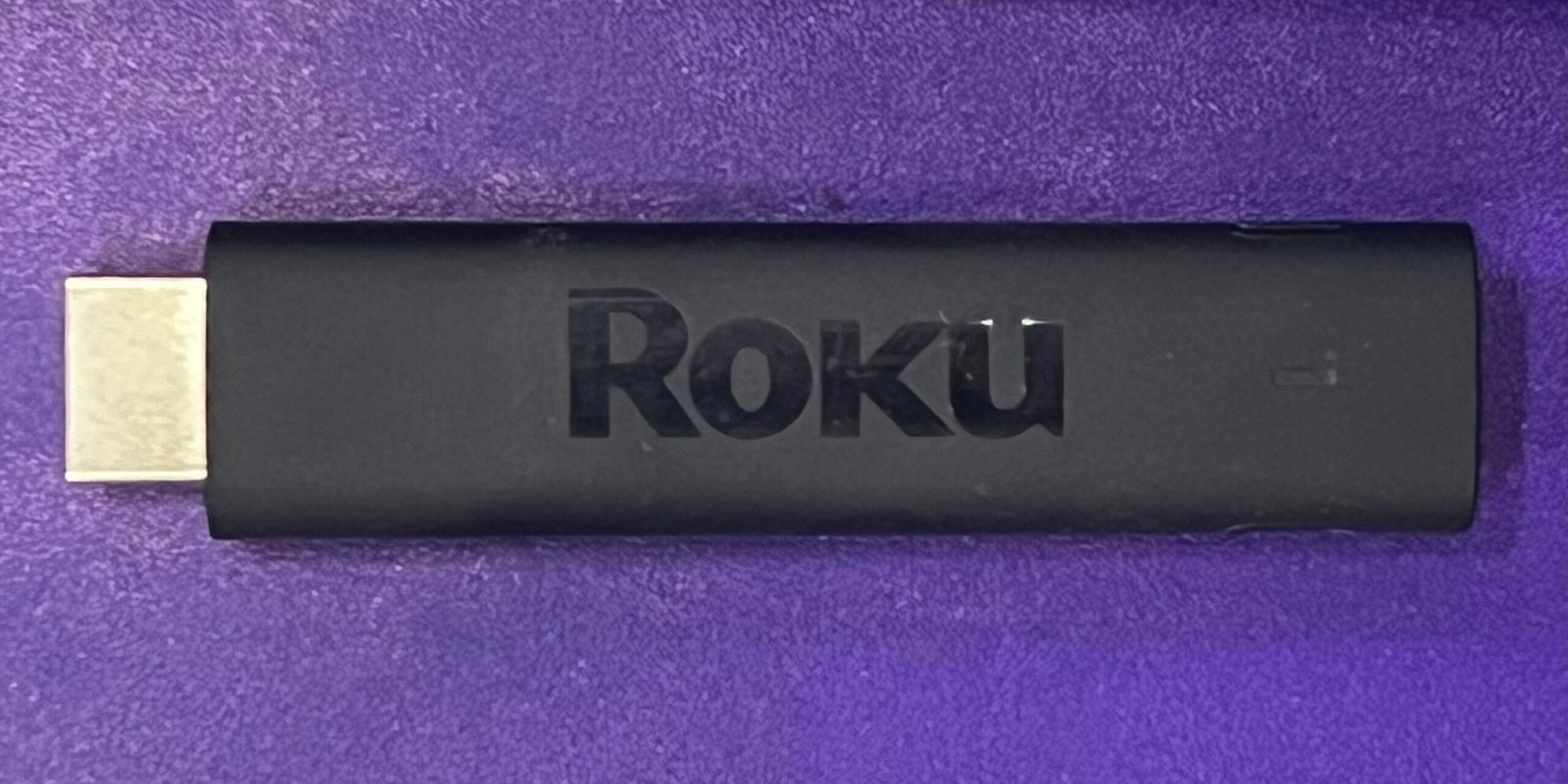
A small streaming stick can make an older television more useful, but the model name matters. This guide covers Roku Streaming Stick HD, model 3840R, ASIN B0DXXYS4BJ. It is the HD version, not the Streaming Stick Plus or Streaming Stick 4K. Check the exact style and model on the listing before buying; similar product names can refer to different picture formats.
As an Amazon Associate I earn from qualifying purchases.
Start with the television’s HDMI input
Roku’s product specifications list this model for HD TVs up to 1080p (1920 x 1080), with upscaling from 720p. It does not provide native 4K output. If 4K or HDR is your goal, compare the separately named Roku models and check the television’s input and content requirements.
The Stick connects through its built-in HDMI plug and uses USB-C for power. Before ordering, check the back or side of the television for an available HDMI port and enough room for the stick, power lead, and nearby cables. A recessed port, tight wall mount, or crowded connector area can make access awkward. Roku’s TV requirements and setup instructions are the right place to confirm the connections for your television and player.

Think about Wi-Fi where the TV sits
Roku lists dual-band Wi-Fi at 2.4 GHz and 5 GHz for the Streaming Stick HD. The available band and signal at the television can affect streaming. If the router is far away or separated by walls, check the location and home network before attributing buffering to the player. A bestseller rank cannot tell you whether a particular room has a stable connection.

Separate the device from subscription costs
A streaming player provides access to a platform and its apps; it does not make every show or service free. Some apps require a paid plan. List the services you actually watch and confirm each app’s current availability and plan requirements with the service before deciding whether another device fits your setup.
A short pre-purchase checklist
Confirm that the listing is the HD model 3840R, that your TV has an open HDMI input, and that 1080p is enough for your screen. Check Wi-Fi where the TV is located, identify the services you plan to use, and compare Roku’s official HD specifications with its player comparison if resolution is a deciding factor. This is a document-based compatibility guide, not a hands-on test or a promise about performance in a particular home.
I may earn a commission if you buy through this link, at no extra cost to you.
Official references
- Roku: Streaming Stick HD product specifications (model 3840R)
- Roku Support: TV requirements
- Roku Support: General setup instructions
- Roku: Compare streaming players
Sources accessed October 25, 2026.
Written by OnelROR Editorial Team. October 25, 2026. 3-minute read.