

Cricut Explore 5: Bundle Checks
A cutting-machine bundle is useful only when its materials match the projects you intend to make. The Cricut Explore 5 Essentials Bundle offers several starting points, from cards to vinyl decals, but its “65 projects” description needs context. This guide reviews manufacturer documentation and the selected Amazon listing; it does not report hands-on testing.
As an Amazon Associate I earn from qualifying purchases.
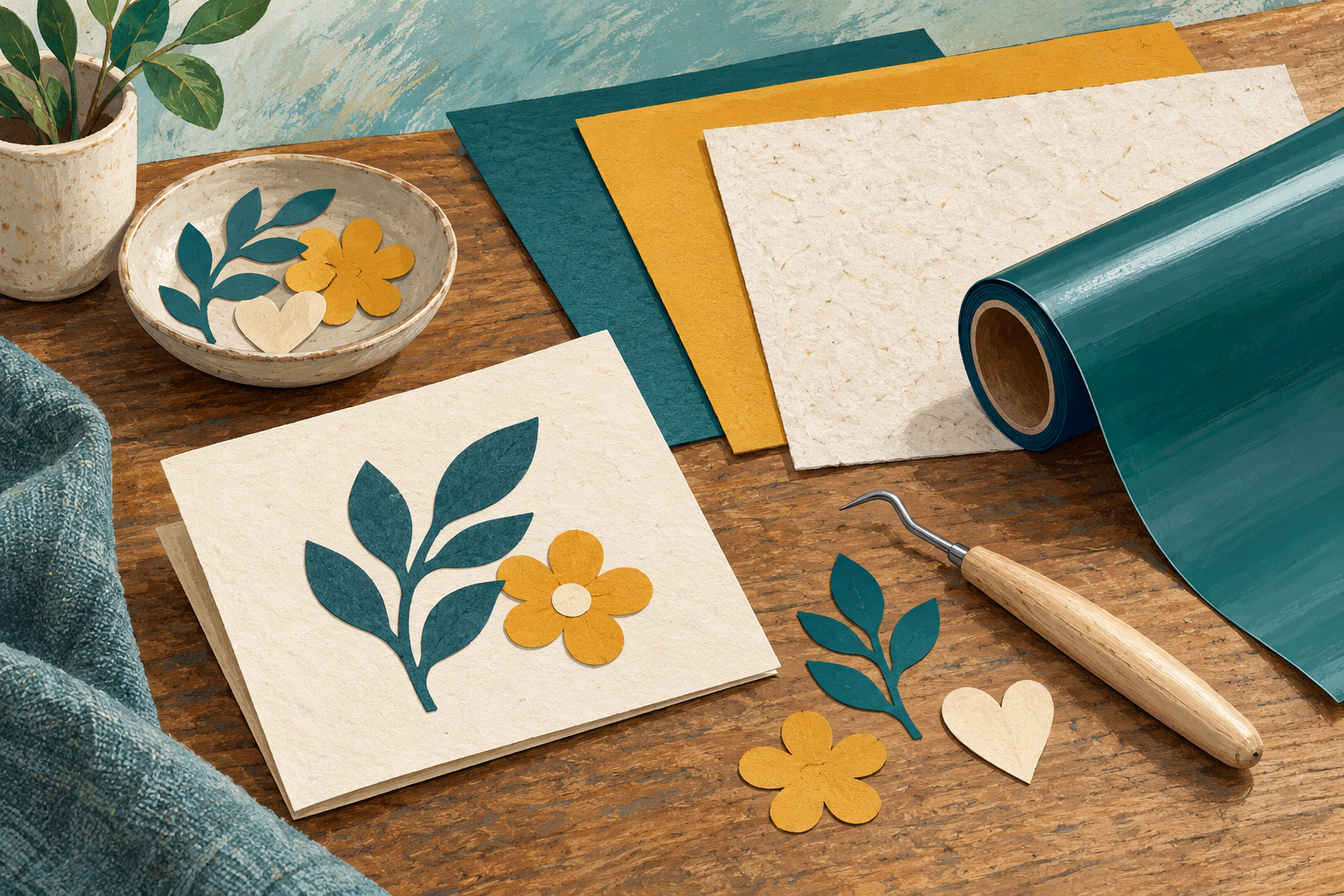
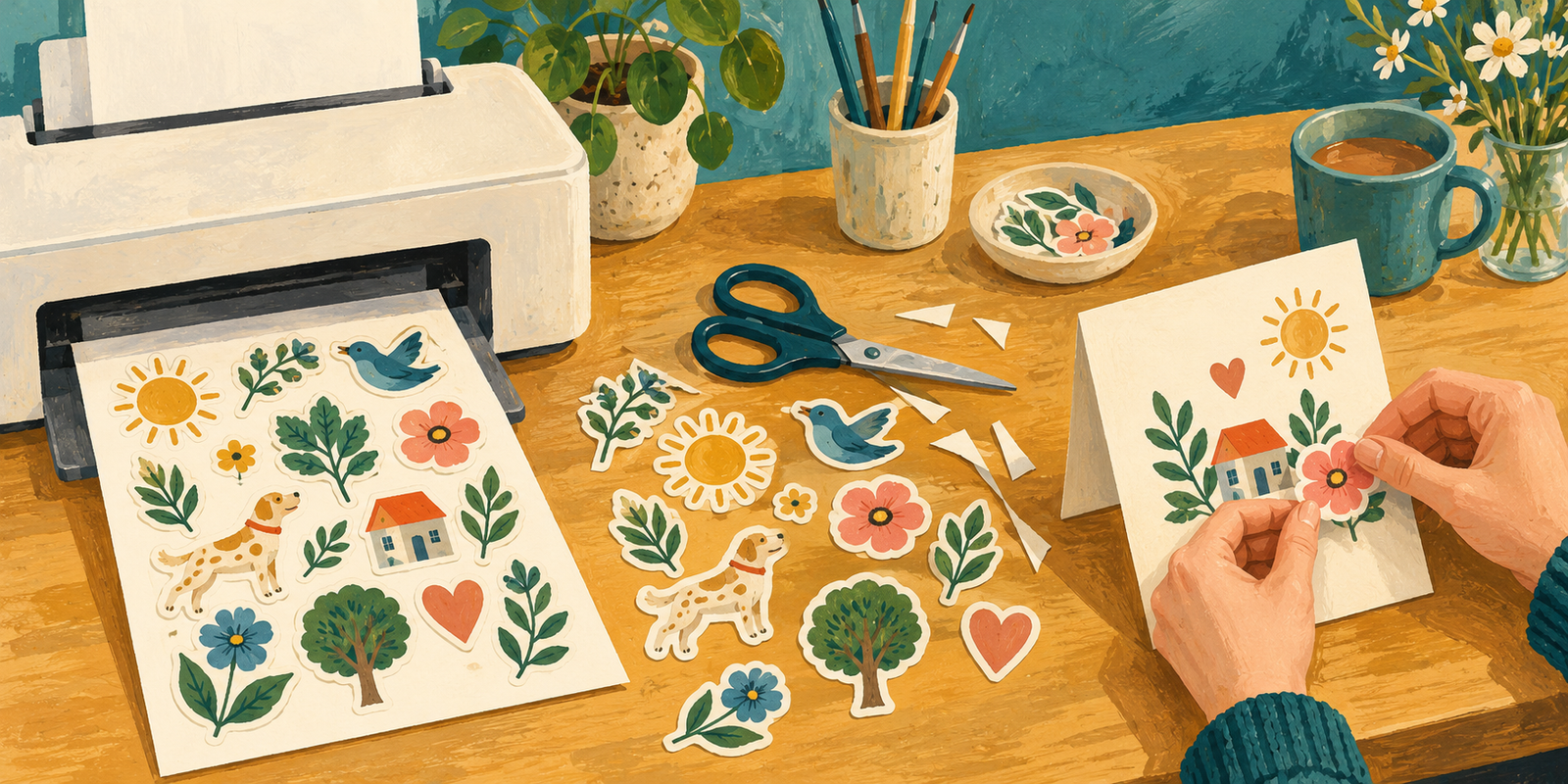
Illustrations: original AI-generated editorial artwork by OnelROR Editorial Team. They show generic craft materials and workflows, not the Cricut Explore 5 or a hands-on product test.
Identify the bundle before comparing it
The Amazon selection checked for this article is ASIN B0GJFL3WHS, the taupe Explore 5 with the 65 Project Bundle. Other options on the page contain different supplies. Check the selected option again before ordering rather than assuming that every listing photograph describes the same package.
At the time checked, Amazon identified this listing as number one in Scrapbook Die-Cut Machines. That is a category ranking, not a claim that it leads all Amazon products, and rankings can change.
Start with a short project list
Cricut describes Explore 5 as a 12-inch cutting machine for more than 100 materials, including vinyl, iron-on, cardstock and printables. Those categories represent different workflows. A label, a folded card and a shirt design do not require the same preparation or finishing steps.
Before choosing the bundle, write down two or three projects you actually want to finish. Record their approximate size and material. This turns a long accessory list into a practical comparison: which included supplies will you use, and which additional items will your projects require?
Read “65 projects” as an estimate
The manufacturer bases the advertised project yield on an average project size of 4 by 6 inches using the included materials. It is not a promise of 65 large decals or 65 finished shirts. Layout, project size and the material needed for each design affect how far the supplies go.
Cricut’s Essentials inventory includes Smart Vinyl, transfer tape, Smart Iron-On, cardstock, insert cards and printable vinyl, plus tools and mats. Compare the current box contents against your list. Regional packaging can differ, and Cricut notes that the pictured tools may differ from those supplied.

Plan the software and printing workflow
The machine works with Cricut Design Space on a compatible computer or mobile device. Confirm the current system requirements before buying and allow time for setup and practice. An included collection of designs should not be mistaken for unlimited access to every design or feature.
Design Space is free to download, while the full content library and certain features require a paid Cricut Access subscription. Review the content you expect to use before deciding whether that recurring service belongs in your budget.
For full-color Print Then Cut projects, Cricut describes printing a design with a home inkjet printer and then using the cutting machine to cut around it. Explore 5 is not itself an inkjet printer. If stickers are your main goal, check your printer and printable-material compatibility as part of the purchase.
Buy for the projects you will complete
This bundle makes sense to consider when you want to explore several of the supported material types and can use the included supplies. If you already have tools and materials, compare the exact package rather than treating the larger bundle as automatically better value.
Use the current listing and Cricut’s quick-start guide together: the listing identifies the option being sold, while the manufacturer guide explains materials, tools and setup. That check is more useful than deciding by an accessory count alone.
View on Amazon — This is an affiliate link; OnelROR may earn a commission from qualifying purchases.
Sources
- Cricut Explore 5 Essentials Bundle
- Cricut Explore 5 Quick Start Guide
- Cricut Design Space
- Amazon listing: selected 65 Project Bundle
Sources checked October 25, 2026. Rankings and bundle contents may change.
Written by OnelROR Editorial Team. October 25, 2026. 3-minute read.