

HP 67 3YP29AN: Fit Check
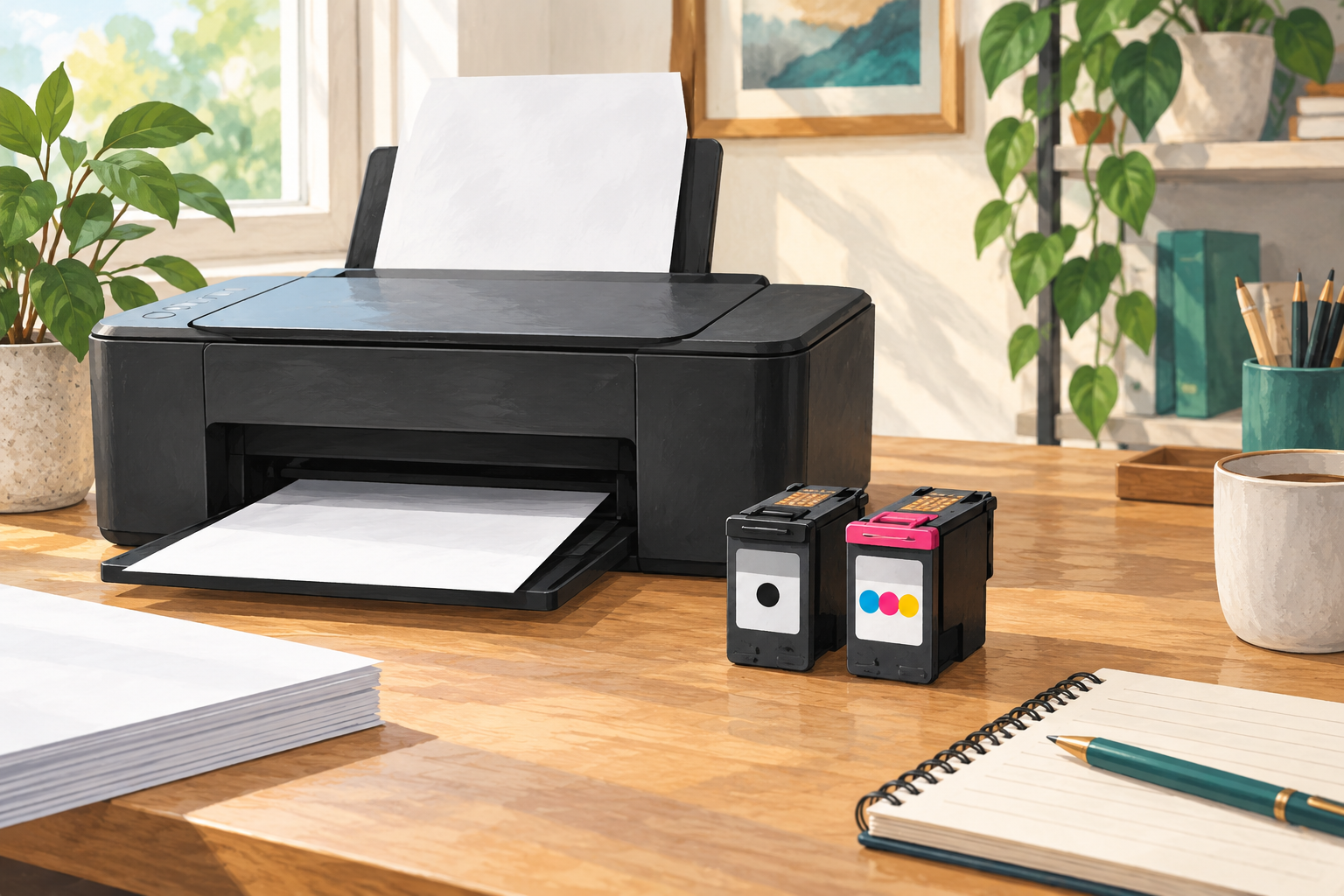
HP 67’s black-and-tri-color two-cartridge pack is model 3YP29AN. The useful question is not whether a listing says “HP ink,” but whether the cartridge family matches the exact printer and region. A quick check of the printer’s model label and the current cartridge number can prevent a disappointing mismatch.
Start with the printer model
The 3YP29AN package contains one standard-yield HP 67 black cartridge and one standard-yield HP 67 tri-color cartridge. HP lists the pack for selected DeskJet and ENVY models, including DeskJet 2700 and 4100 families and ENVY 6000 and 6400 families. Those family names are a starting point, not a substitute for checking the full model number: related printers can use different supplies.
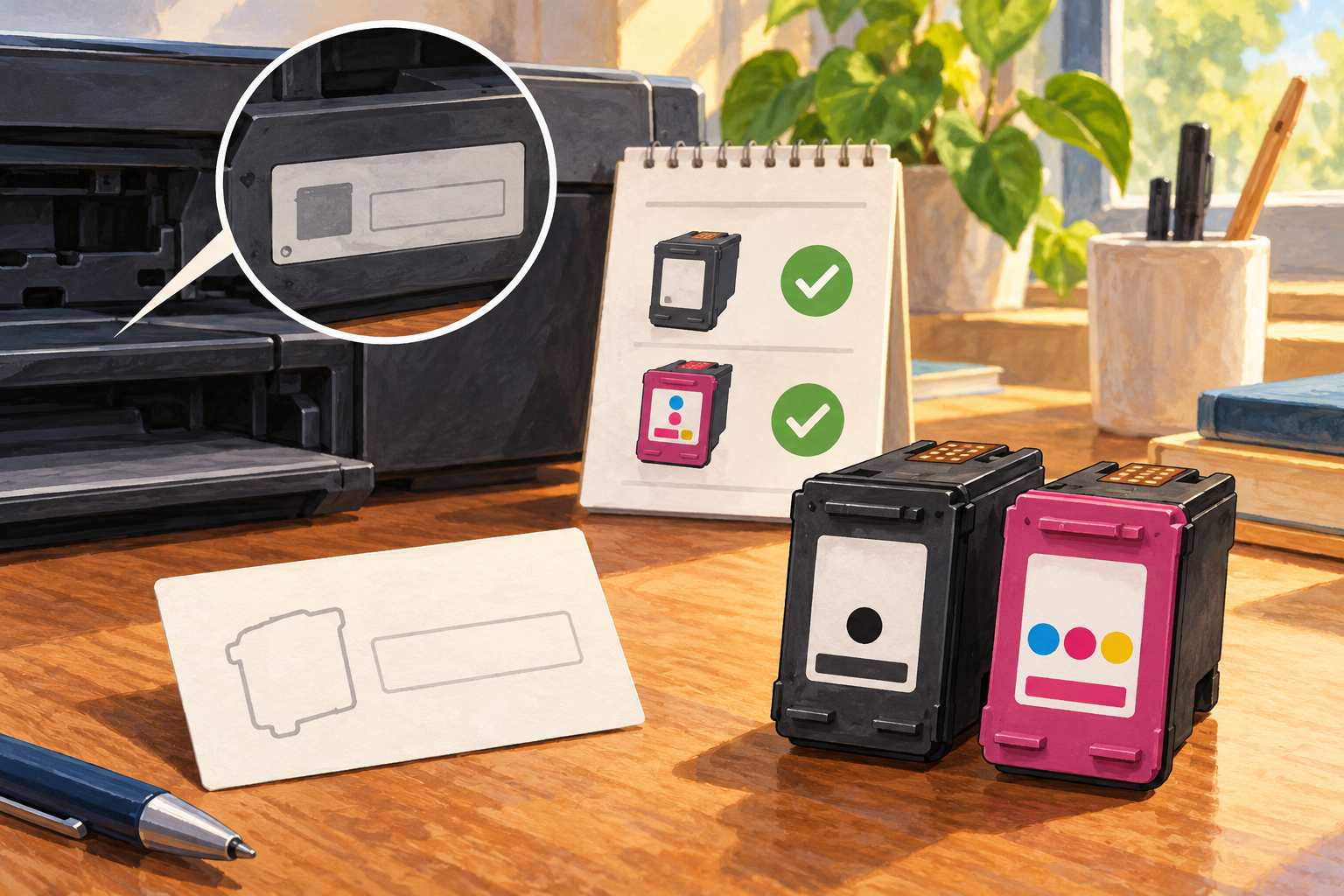
Region matters, too. HP’s support tables show that some printers sold in North America use HP 67, while corresponding models in other regions may use numbers such as HP 305, 124, 667, 682, 653, or 805. Do not assume a cartridge with the same shape or a familiar printer-family name is interchangeable. Check the printer’s own support page or the number printed on the cartridge currently installed.
Standard or XL?
The 3YP29AN pack is the standard-yield black-plus-color combination. HP separately lists XL cartridges, including a mixed pack with an XL black cartridge and a standard tri-color cartridge. These are different product numbers, so compare the exact number rather than relying on “two pack” or package photos alone.
HP gives approximate page yields of about 120 pages for the black cartridge and 100 for the color cartridge in the standard two-pack. HP says those figures are based on testing in the ENVY 6000 series and continuous printing; actual yield varies with page content and other conditions. Treat them as estimates, not a promise about a particular stack of mixed text and photos. A color page can draw from more than one reservoir, while a text-heavy page may use mostly black.
A careful installation checklist
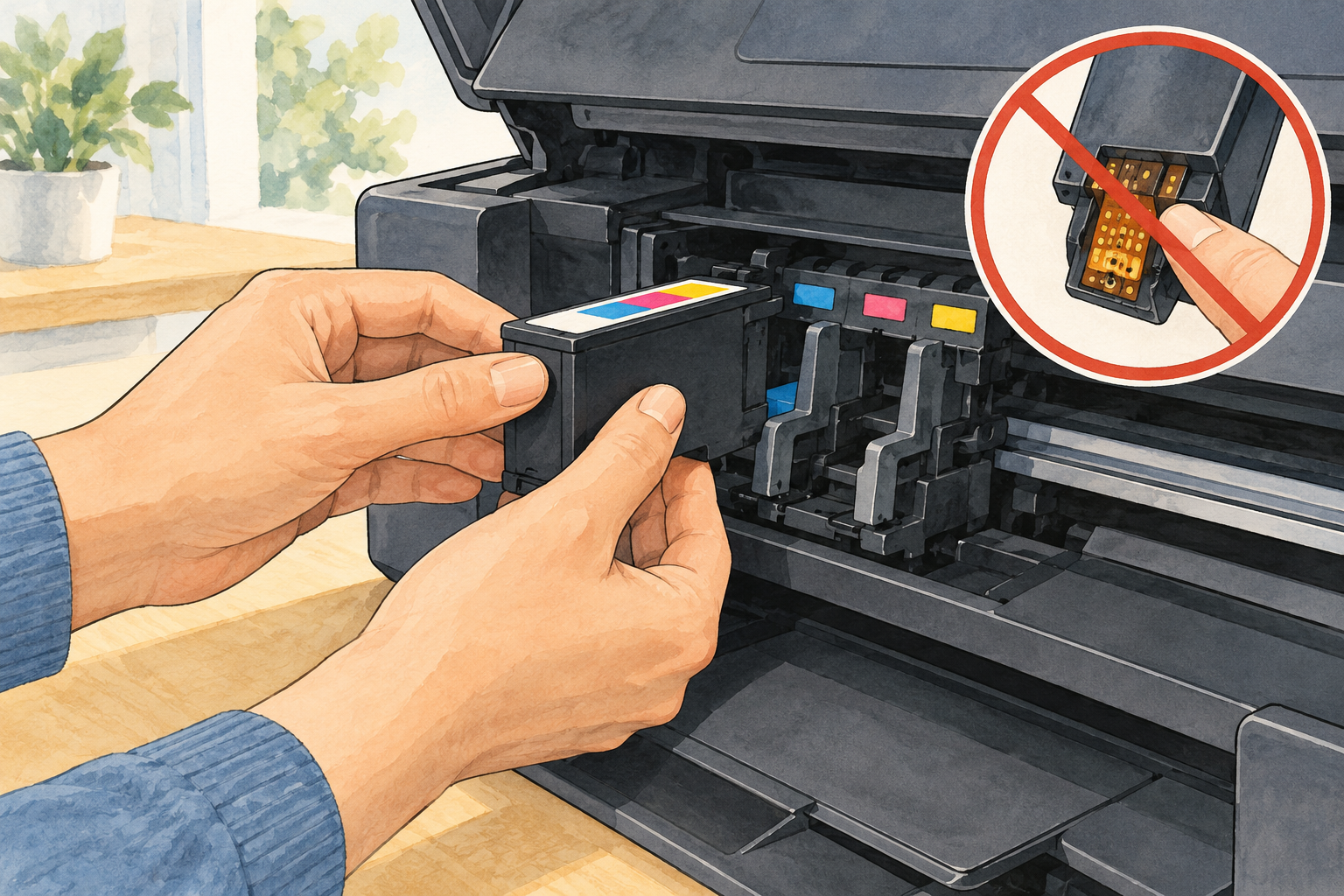
Before opening a replacement, confirm that the printer is on and has paper loaded. Follow the instructions for the exact printer: HP’s DeskJet 2700/4100 and ENVY 6000/6400 procedures describe opening the access door, waiting for the carriage to stop, and seating the cartridge in its color-coded slot. Remove the protective tape by its pull tab. HP cautions against touching the copper-colored contacts or ink nozzles. Some models print an alignment page after replacement and require the page to be scanned to finish alignment.
Before placing an order
Write down the full printer model, check its regional support page, and compare the recommended cartridge number with 3YP29AN. If the printer uses HP 67, decide whether standard or XL better fits your printing pattern; if the number differs, stop and verify before ordering. Also check whether your current printer setup includes a subscription or regional requirement rather than assuming a cartridge-family match answers every account or service question.
This is a document-based compatibility guide, not a hands-on test of the cartridges. HP’s product page and support instructions are the final references for model-specific fit and installation.
Official references
- HP 67 2-pack product details
- HP DeskJet 2700/4100 cartridge replacement and regional cartridge numbers
- HP ENVY 6000/6400 cartridge replacement and regional cartridge numbers
As an Amazon Associate I earn from qualifying purchases. If you buy through the link below, OnelROR may earn a commission at no extra cost to you.
Written by OnelROR Editorial Team. October 25, 2026. 3-minute read.