Samsung T7 Shield 1TB SSD Guide: Speed, Durability and Backup Reality
Technology / Reviews & Guides
A rugged portable SSD can make a travel workflow easier. The useful purchase checks are the computer’s port speed, your actual storage needs and a second copy of important files.
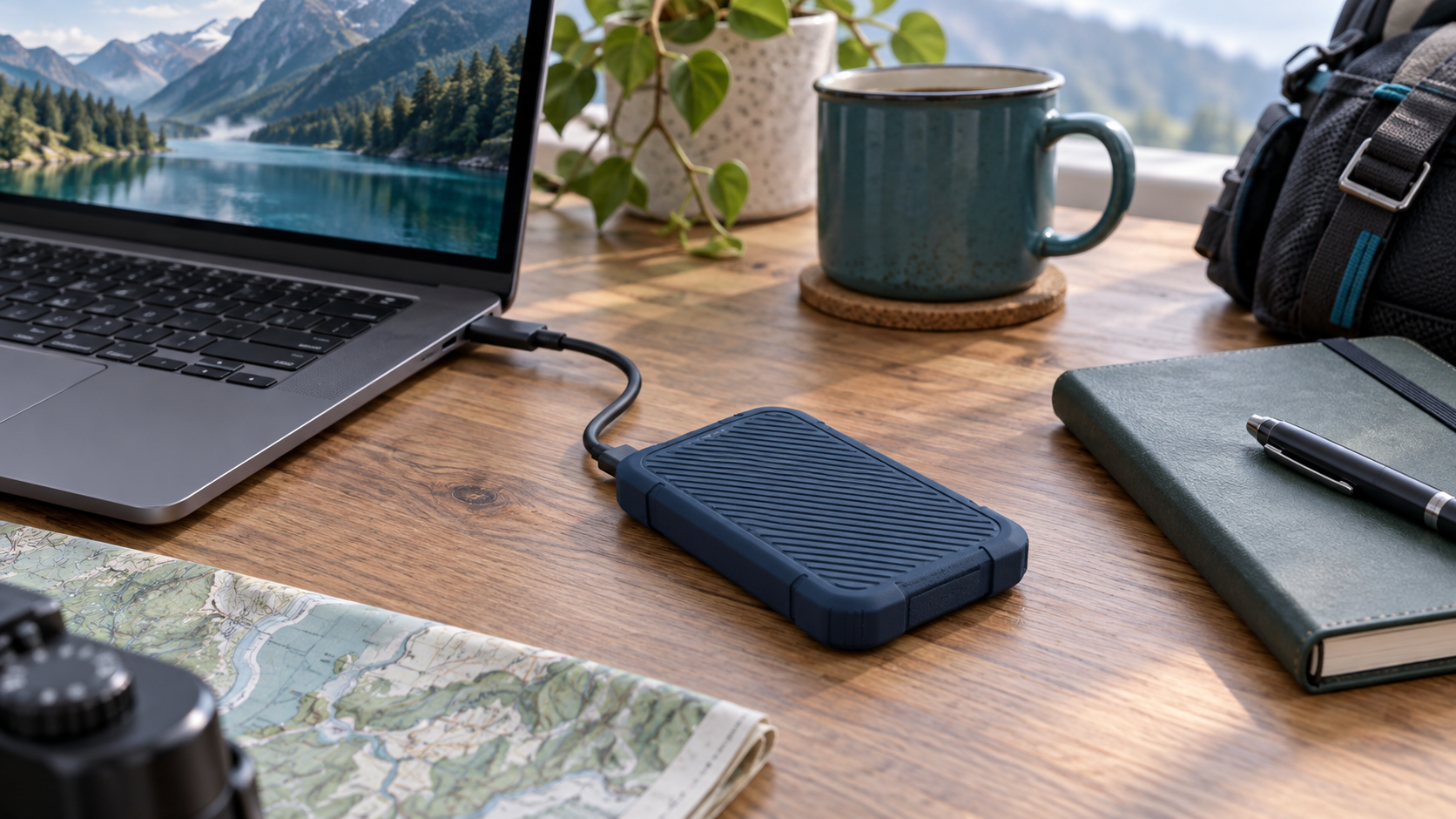
Featured image: original editorial illustration, not a product photograph. As an Amazon Associate, OnelROR earns from qualifying purchases. OnelROR has not benchmarked this drive.
Samsung’s Portable SSD T7 Shield pairs a small external drive with a protective outer shell. The 1TB version is aimed at people moving photos, videos and projects between devices or carrying a working copy while traveling. Samsung lists a USB 3.2 Gen 2 interface, up to 1,050 MB/s sequential read and 1,000 MB/s sequential write, and an IP65 dust-and-water-resistance rating. The phrase “up to” matters: those are manufacturer maximums, not a promise of what every laptop or file transfer will achieve.
Check the port before paying for speed
USB-C describes the connector shape, not the speed of the connection behind it. To approach the T7 Shield’s published transfer numbers, your computer and cable need to support the appropriate USB 3.2 Gen 2 connection, and the workload must permit it. A slower port, hub or cable can hold the drive back. Many small files may also transfer more slowly than one large video file. Check your device’s port specification instead of assuming that every USB-C socket is equivalent.
Samsung’s support materials describe compatibility with PCs, Macs, Android devices and some game consoles, but the way a device uses external storage differs. A phone may need the right adapter and file-system format; a console may impose its own rules for installing or playing games. Verify your exact host device and intended task before buying. If you need to edit video directly from the drive, compare real workflow requirements and available free space rather than relying only on headline speed.
What the rugged rating means
IP65 indicates protection against dust and low-pressure water jets under specified test conditions. It does not mean the SSD is waterproof for immersion, that its connector can be plugged in while wet, or that data cannot be lost. Samsung also advertises drop resistance for the Shield, but accidents are unpredictable. The rubberized exterior is useful insurance against everyday bumps; it is not a substitute for a second copy of files.
Keep the USB port clean and dry, avoid crushing the cable connection and let a wet device dry fully before reconnecting it. Read Samsung’s manual for environmental limits. A drive used outdoors can still fail from damage, heat or simple wear, so plan for that possibility before storing the only copy of irreplaceable photos on it.
Capacity, security and the real cost
A marketed 1TB does not appear as exactly 1,000 GB of usable space in every operating system, and formatting consumes some space. Estimate the size of the projects you need to carry and leave room for new work. If you routinely fill a 1TB drive within months, compare a 2TB variant and its price per gigabyte. Conversely, paying for a large capacity you will never use makes little sense.
Samsung lists AES 256-bit hardware encryption and software support. Use the security features only after understanding the setup and recovery process, because a forgotten password can be as damaging as losing the drive. A good backup has at least one separate copy that you can actually restore. Keep the working SSD and backup in different places where possible.
Our buying verdict
The T7 Shield is a strong candidate for portable project storage when ruggedness and fast transfers fit your routine. It is less compelling if your host ports are slow or a less expensive drive would meet the same need. Confirm the exact T7 Shield model, 1TB capacity, color, seller, warranty and included cable before checkout—and budget for a proper backup as part of the purchase.
Find Samsung T7 Shield on Amazon
Sources
Samsung 1TB T7 Shield specifications
Samsung portable-drive compatibility guide
Samsung T7 Shield user manual